
Router firmware is easy to ignore until the network starts failing. A short checklist turns a risky click into a calm, repeatable task.
Save the Current Setup
Photograph the router label and write down the network name, password and any port forwarding or guest network settings you rely on.
Keep that note offline. If the update resets something, you can restore one setting at a time instead of guessing what changed.

Check Model and Hardware Revision
Open the router admin page and confirm both the model and hardware revision before downloading any firmware file.
A file built for a different revision can leave the device unusable. Ignore forum links and mirror sites when the manufacturer page is available.
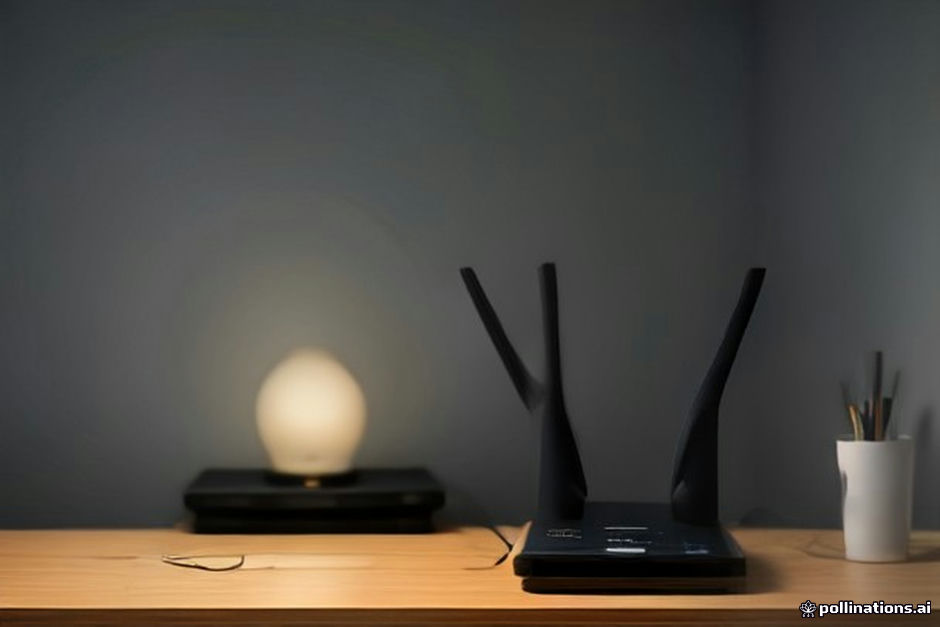
Update During a Quiet Hour
Choose a time when nobody is on a video call, a game or a large download. Many routers restart while the update is applied.
Keep power connected and leave the admin page alone. If the process looks slow, wait longer than feels comfortable before intervening.

Verify the Network Afterwards
When the router returns, check internet access, saved devices and guest access from two or three rooms.
Run a short speed test and confirm that the settings you recorded are still in place. Fix differences one at a time.

Never update a router you cannot restore.
More guides
A Privacy Check for Smart Home Devices · First Screen Speed Fixes Visitors Feel
Questions or a correction? contact us.