
A smart speaker or camera can be useful without having unlimited access to your accounts. A short privacy pass keeps the convenience and removes the guesswork.
Make a Device Inventory
List every smart plug, camera, speaker and appliance with its app and account. Include devices you forgot were still paired.
An inventory makes it obvious which products are still used and which ones should be removed or reset before they are sold.
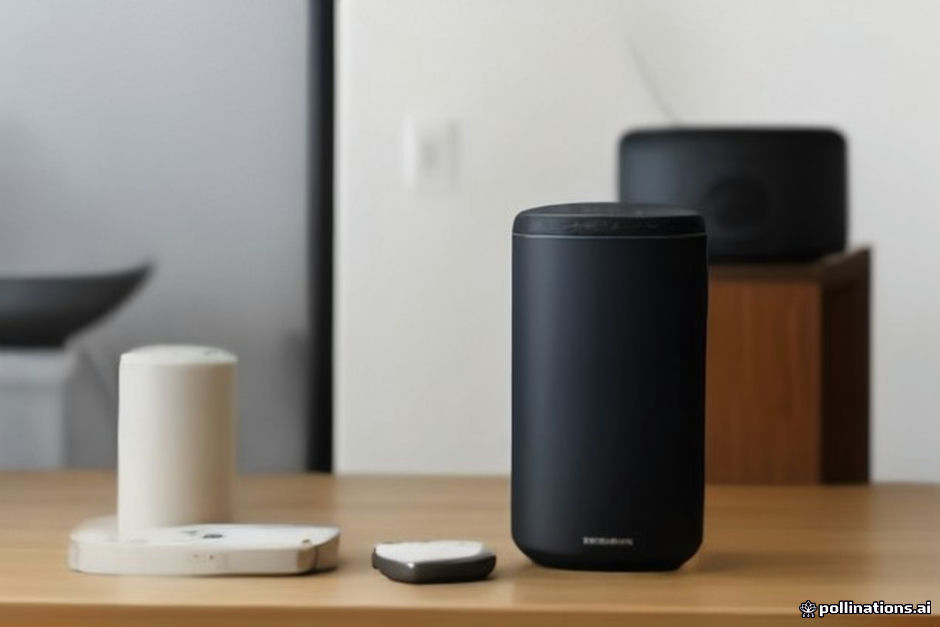
Review App Permissions
Open each companion app and check location, microphone, camera and contact access. Remove permissions that are not part of the device's main job.
Be especially careful with voice features that stay on when nobody is speaking. Turn them off if the device works well without them.
Separate the Guest Network
Put smart devices on a guest network or a separate wireless network when the router supports it.
This limits how much a device can see and keeps a compromised gadget away from laptops that hold private files.
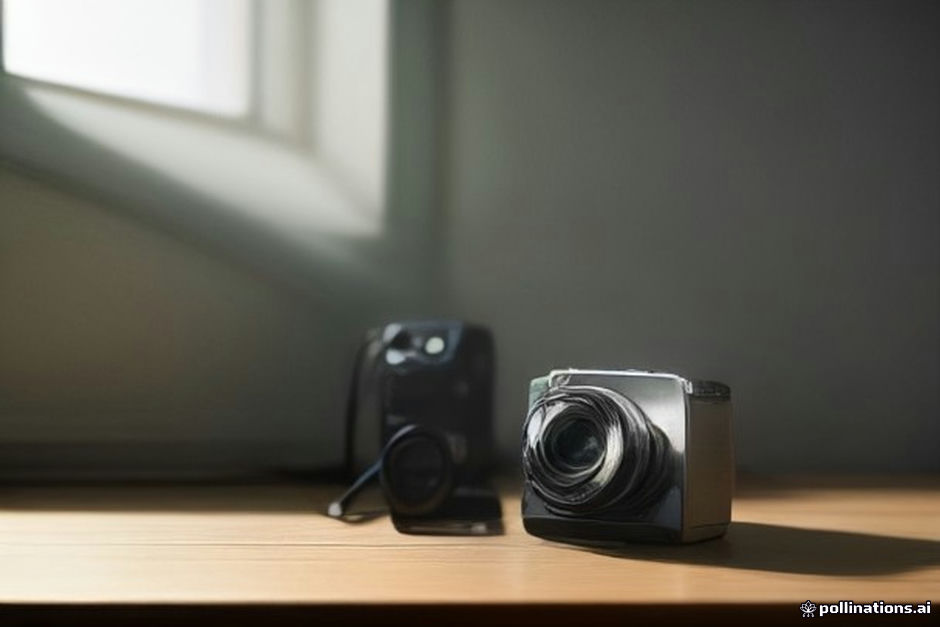
Set an Update and Recovery Routine
Enable automatic updates where possible and note where the recovery instructions are stored.
Check the account recovery email and remove old admin users. A clean handover matters when a device is replaced.
Convenience is fine when you know what the device can see.
More guides
A Safe Router Update Checklist for Home Networks · Budget Earbuds: A Call-Quality Test You Can Repeat
Questions or a correction? contact us.