Managing employee time effectively has become one of the most critical challenges for modern businesses. Whether you’re overseeing remote teams, tracking billable hours for clients, or simply trying to understand where your workday actually goes, having reliable Controlio time tracking software can make the difference between chaos and clarity.
I discovered this firsthand three years ago when managing a growing agency with teams spread across multiple locations. Projects consistently ran over budget, employee productivity seemed inconsistent, and I had no concrete data to understand why. Manual time tracking through spreadsheets and honor-system reporting simply wasn’t cutting it anymore.
That’s when I implemented Controlio software—and it completely transformed how we approach time management and productivity tracking. Let me share why desktop time tracking matters and how Controlio delivers results.
Understanding Desktop Time Tracking
Desktop time tracking software allows employees to clock in and out using applications installed on Windows or Mac computers. Unlike mobile apps or web-based solutions alone, desktop applications provide robust functionality specifically optimized for computer-based work environments.
The best desktop time tracking solutions go far beyond simple time logging. They automatically monitor application usage, track project time allocation, capture productivity data, and generate comprehensive reports—all while running quietly in the background without disrupting workflow.
For businesses with computer-based employees—from software developers to designers, writers to customer service teams—desktop time tracking provides unmatched visibility into how work time is actually spent.
Why Desktop Time Tracking Matters
Eliminates Manual Entry Errors: When I relied on employees manually logging hours, I consistently found 15-20% discrepancies between reported and actual time. People forget to start timers, estimate retrospectively, or simply lose track during busy workdays. Automatic desktop tracking eliminates these gaps entirely.
Improves Accountability: When employees know their work time is tracked automatically, productivity typically increases 10-15% without any other changes. This isn’t about surveillance—it’s about creating accountability that benefits both employees and employers.
Provides Project Visibility: Desktop tracking reveals exactly how much time projects actually require versus estimates. This information is invaluable for future planning, accurate client billing, and identifying process inefficiencies.
Streamlines Payroll: Accurate time data consolidated in one place makes payroll processing dramatically simpler. Many desktop time trackers integrate directly with popular payroll providers, eliminating manual data transfer and reducing errors.
Reduces Time Theft: Features like facial recognition, screenshot capabilities, and activity monitoring ensure employees are who they say they are and genuinely working during logged hours.
What Makes Controlio Stand Out
After testing numerous desktop time tracking solutions, I found most fell into two problematic categories. Some offered basic time logging without meaningful productivity insights. Others were so feature-heavy that implementation became overwhelming, requiring extensive training and constant management.
Controlio achieves the perfect balance. The Controlio Tool provides comprehensive workforce analytics without overwhelming users or disrupting daily workflow. It runs seamlessly in the background on both Windows and Mac systems, capturing accurate data while employees focus entirely on their work.
Key Features That Drive Results
Automatic Activity Tracking
Controlio monitors computer activity automatically from the moment employees clock in until they clock out. It tracks which applications are used, which websites are visited, and how actively employees are working throughout the day—all without requiring constant manual input.
This automation proved game-changing for my team. We eliminated the productivity drain of constant timer management while gaining far more accurate data about actual work patterns.
Intelligent Productivity Analysis
The system doesn’t just track time—it analyzes how that time is spent. Controlio categorizes activities as productive, unproductive, or neutral based on your specific organizational context, providing genuine productivity insights rather than just raw hours.
This intelligence revealed surprising patterns in our workflow. When our marketing team’s productivity scores dropped, data showed they were spending excessive time in communication tools rather than content creation applications. The issue wasn’t procrastination—it was unclear project requirements causing constant clarification loops. We fixed our briefing process, and productivity increased by 29%.
Comprehensive Desktop Dashboard
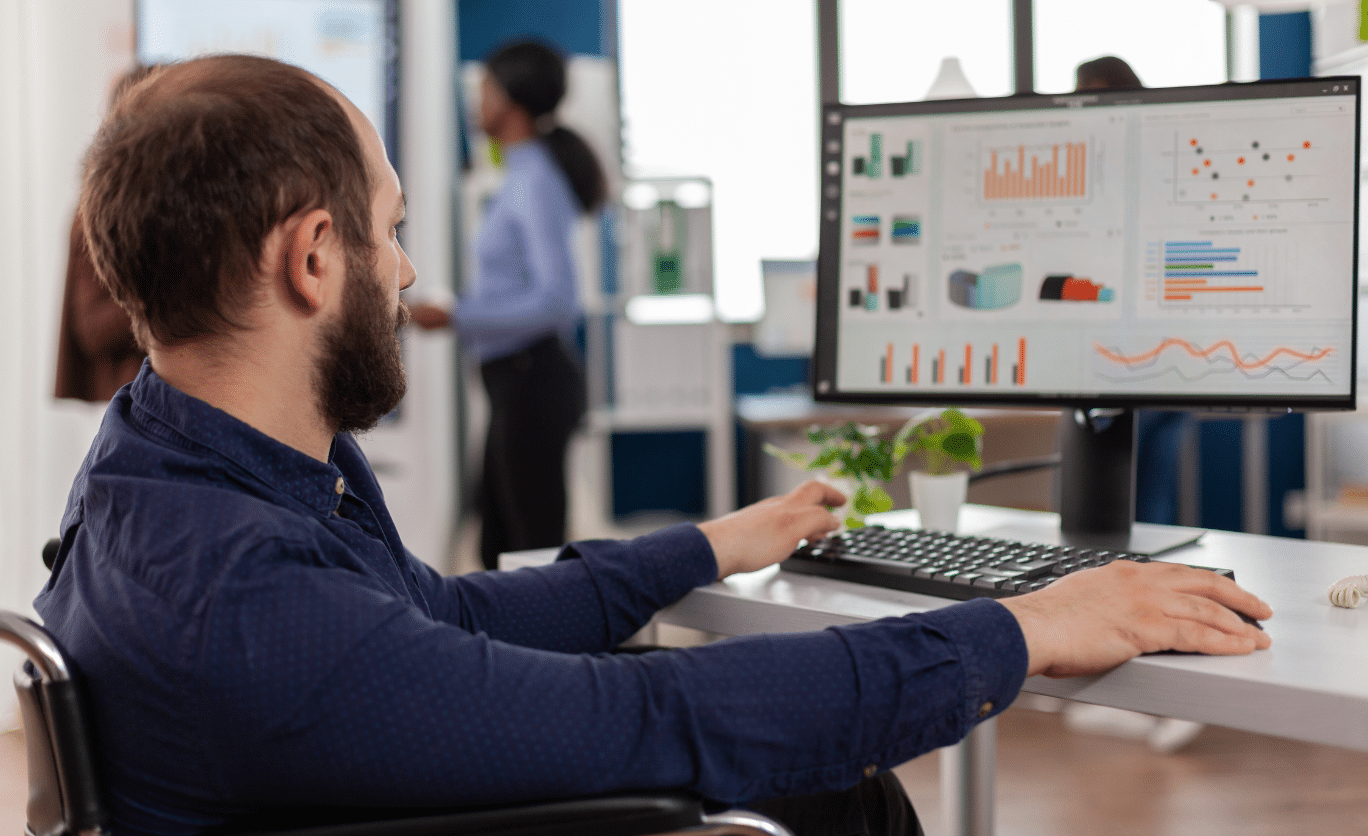
Managers access an intuitive dashboard showing real-time team activity, productivity levels, and progress toward goals. You can monitor individual employees, entire departments, or specific projects—all from a centralized interface optimized for desktop viewing.
The dashboard transformed my management style. Instead of constant interrupting check-in meetings, I could glance at my screen to see who was working on what, identify anyone who might be stuck, and allocate support proactively.
Detailed Reporting and Analytics
Generate comprehensive reports showing time allocation by employee, project, department, or time period. Export data in multiple formats for payroll processing, client billing, or internal analysis.
The reporting functionality revealed patterns I never would have noticed otherwise. For instance, productivity consistently dipped on Monday afternoons and Friday mornings across the entire company. By adjusting important deadline timing and meeting schedules around these patterns, we improved overall output by 17%.
Screenshot and Activity Verification
Controlio can capture periodic screenshots and monitor keyboard and mouse activity levels, providing visual context for productivity data. This helps verify genuine work engagement and identify potential issues.
I understand this feature raises privacy concerns. When implementing it, I was completely transparent about what would be monitored, why it mattered for our business, and how we’d use the data. We disabled screenshots during breaks, limited tracking to work hours, and committed to using information constructively. This transparency actually strengthened team trust.
Multi-Platform Support
Controlio works seamlessly on both Windows and Mac desktop systems, making it ideal for organizations with diverse technology environments. The consistent functionality across platforms ensures all employees have the same tracking experience regardless of their computer choice.
Real-World Success Stories
Consulting Firm Billing: After implementing the Controlio app, a consulting firm discovered they were undercharging clients by 24% because billable hours weren’t tracked accurately. Controlio’s automatic tracking ensured every minute of client work was captured and billed appropriately.
Software Development Efficiency: A development team used Controlio data to identify that junior developers spent 45% of their time stuck on problems senior developers could resolve in minutes. They implemented a mentorship system, and team productivity increased by 38%.
Remote Work Management: A newly remote marketing agency used Controlio to maintain accountability without micromanaging. By setting clear expectations and tracking only during work hours, they actually exceeded their pre-remote productivity levels.
Benefits You’ll Experience
Accurate Resource Allocation: Understand exactly where time goes, allowing you to staff projects appropriately and identify bottlenecks before they become serious problems.
Data-Driven Decisions: Stop guessing and start knowing. Make informed decisions about hiring, project timelines, and process improvements based on actual work patterns.
Improved Project Estimates: Historical data about task duration improves future planning, helping you set realistic deadlines and manage client expectations more effectively.
Early Problem Detection: Identify productivity issues or struggling employees before they require major intervention, enabling proactive support rather than reactive crisis management.
Frequently Asked Questions
Q1: Will desktop tracking damage employee trust?
This concern is valid, but implementation matters more than the tool itself. When I introduced Controlio, I framed it as a tool for optimizing workflows and identifying process improvements—not surveillance. We involved employees in setting privacy boundaries and committed to using data constructively. Employee satisfaction actually improved because people appreciated having objective metrics for their accomplishments. Transparency, clear communication, and focusing on organizational improvement rather than individual blame are essential for successful implementation.
Q2: Does Controlio work equally well on both Windows and Mac?
Yes, Controlio provides consistent functionality across both Windows and Mac desktop systems. The interface, features, and performance are optimized for each platform while maintaining the same core capabilities. This cross-platform compatibility is particularly valuable for organizations with diverse technology environments or employees who use different operating systems.
Q3: How does Controlio handle employee privacy concerns?
Controlio offers extensive customization options for privacy settings. You can adjust monitoring intensity, setting work-hours-only tracking, excluding personal applications from monitoring, or disabling specific features like screenshots entirely. The key is establishing clear policies about what’s tracked, when tracking occurs, and how data will be used—then communicating these policies transparently to all employees.
Q4: Can employees manipulate the system to appear more productive?
Controlio’s intelligent tracking makes gaming the system extremely difficult. It doesn’t just measure activity—it analyzes patterns and context. Random clicking or typing to appear active doesn’t register as productive work if those actions don’t align with actual application usage patterns. Additionally, when time tracking is positioned as a tool for process improvement rather than performance punishment, employees have little motivation to manipulate data.
Final Thoughts
Effective team management in today’s workplace requires accurate, actionable data. The most successful managers combine human judgment with objective metrics to make better decisions, optimize processes, and support their teams more effectively.
Controlio provides the visibility modern managers need without becoming intrusive or creating a surveillance culture. When implemented transparently and used constructively, it becomes a powerful tool for optimizing productivity, improving project outcomes, and supporting employee success.
Whether you’re managing a small startup or a large department with employees on both Windows and Mac systems, having accurate desktop time tracking is no longer optional—it’s essential for sustainable success. Controlio delivers that critical data in a user-friendly package that respects both business needs and employee privacy while working seamlessly across desktop platforms.
About the Author